bunq Business in Business Central
bunq Business transactions imported automatically into Business Central, ready for bank reconciliation.
What you get
- bunq transactions imported automatically on the schedule you set, or on demand
- Into the payment reconciliation journal or the bank account reconciliation
- Fees, transfers and direct debits recognised by transaction codes, with the account proposed for each line
- Duplicate transactions discarded using the ID assigned by bunq
- bunq balance compared with the ledger balance
- Each bunq account with its own IBAN on its own bank account
How to connect
Connect bunq
On the bank account card, choose Link to Online Bank Account, select bunq and sign in on the bunq page to authorise read-only access.
Choose the account
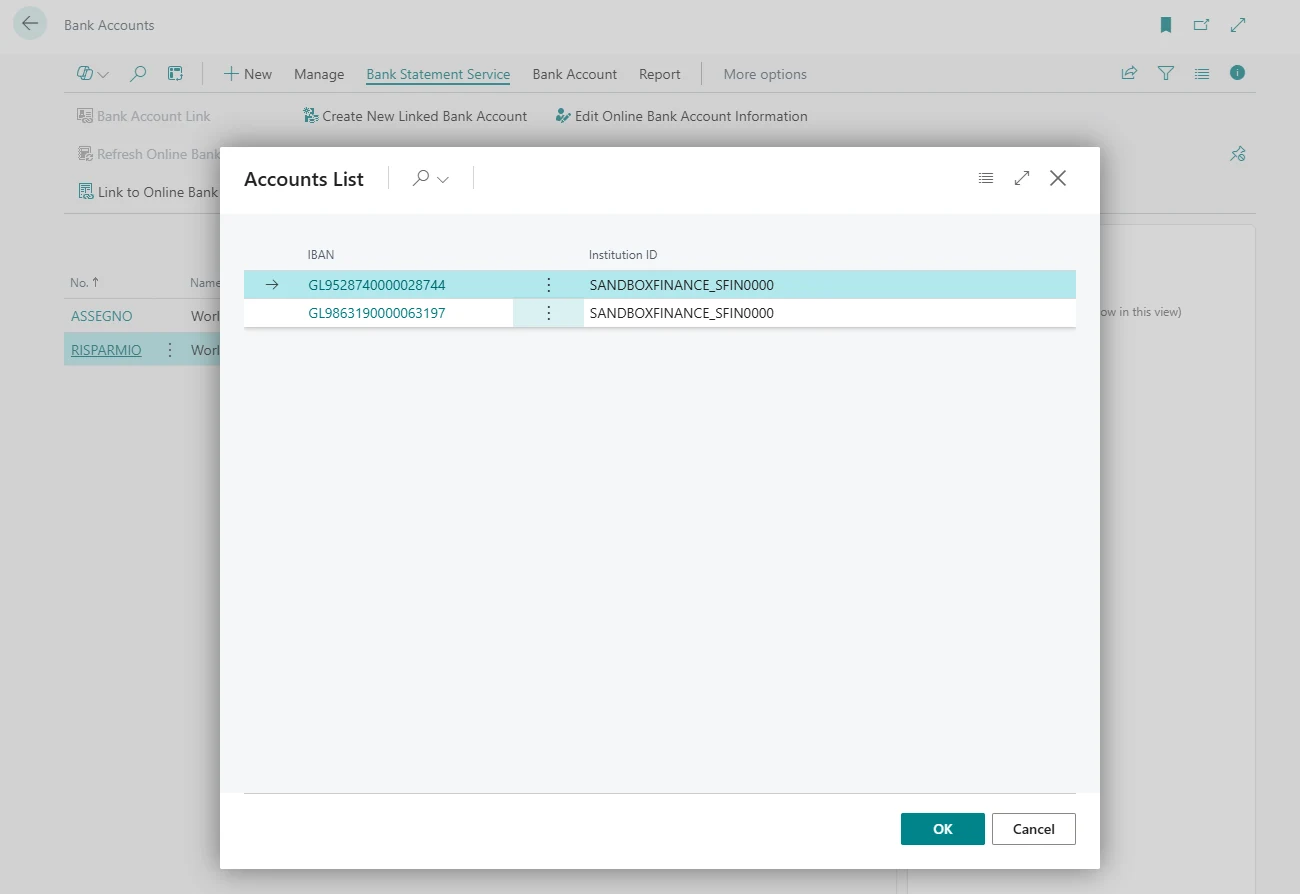
Business Central lists the accounts available at bunq and suggests the one with the same IBAN. Confirm it.
Set up the import
Choose the import schedule and whether transactions go to the payment reconciliation journal or to the bank account reconciliation.
Other accounts
Repeat from the bank account card of each other bunq account.



























Questions
More in the documentation.
Can Banking Central make payments from bunq?
No. Access is read-only: Banking Central reads balances and transactions.
Are fees and other bank transactions recognised?
Yes. Transaction codes read the codes and texts sent by bunq and assign a reason code to each line, for example to post fees to a fixed G/L account.
Does the connection expire?
Yes. Open Banking connections have to be renewed periodically by signing in to bunq again. Banking Central can send an email before the connection expires.
Try Banking Central with bunq
All the features are included in the 30-day free trial.