Features
Bank connections, automatic import, transaction recognition and reconciliation, all in the standard Business Central pages.
Bank connections
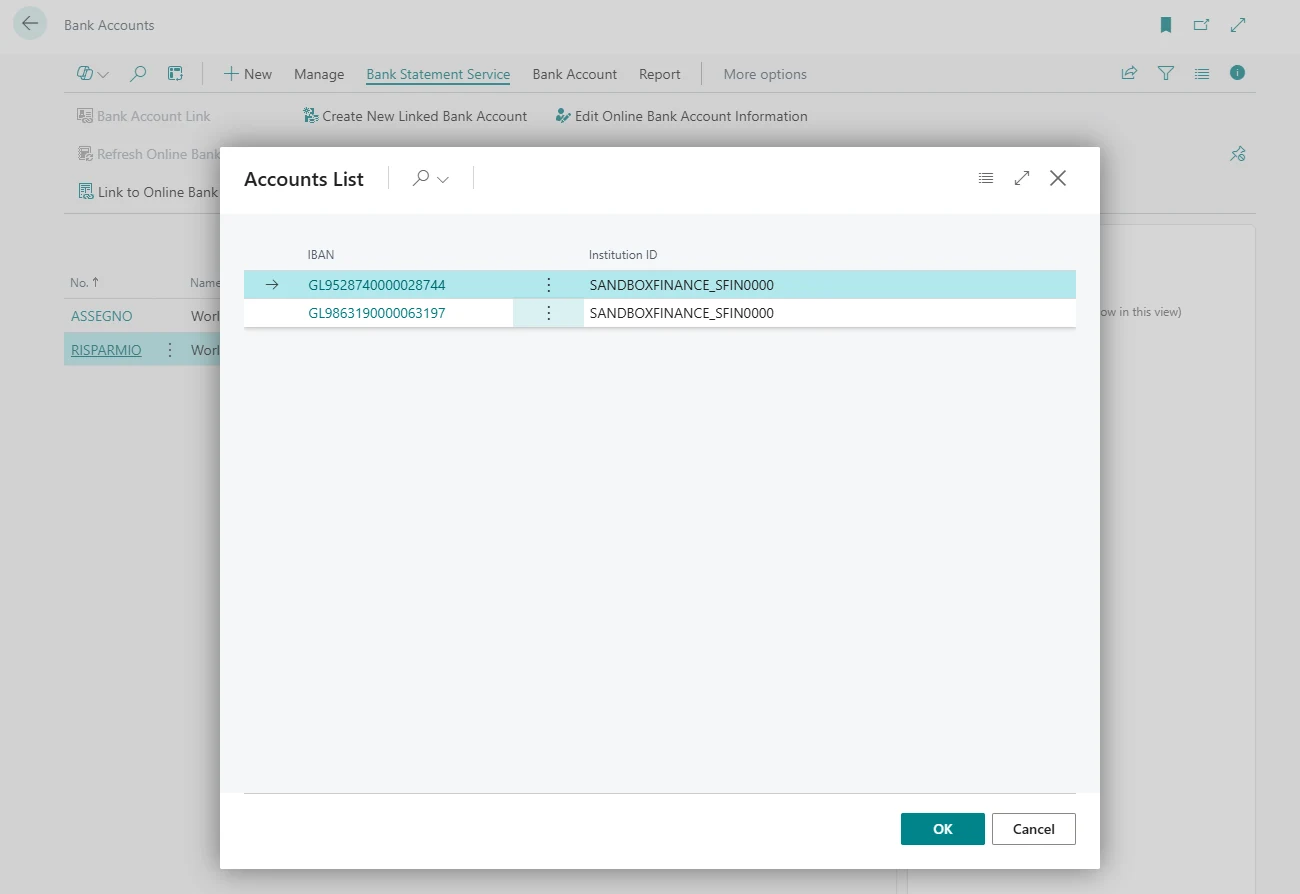
Bank accounts are linked from Business Central, with the authentication on the bank's own page.
- Bank accounts linked from the bank account card, with the authentication on the bank's page
- Banks of the enabled countries, with the transaction history each one provides
- Connection status and renewal from Business Central
Automatic import
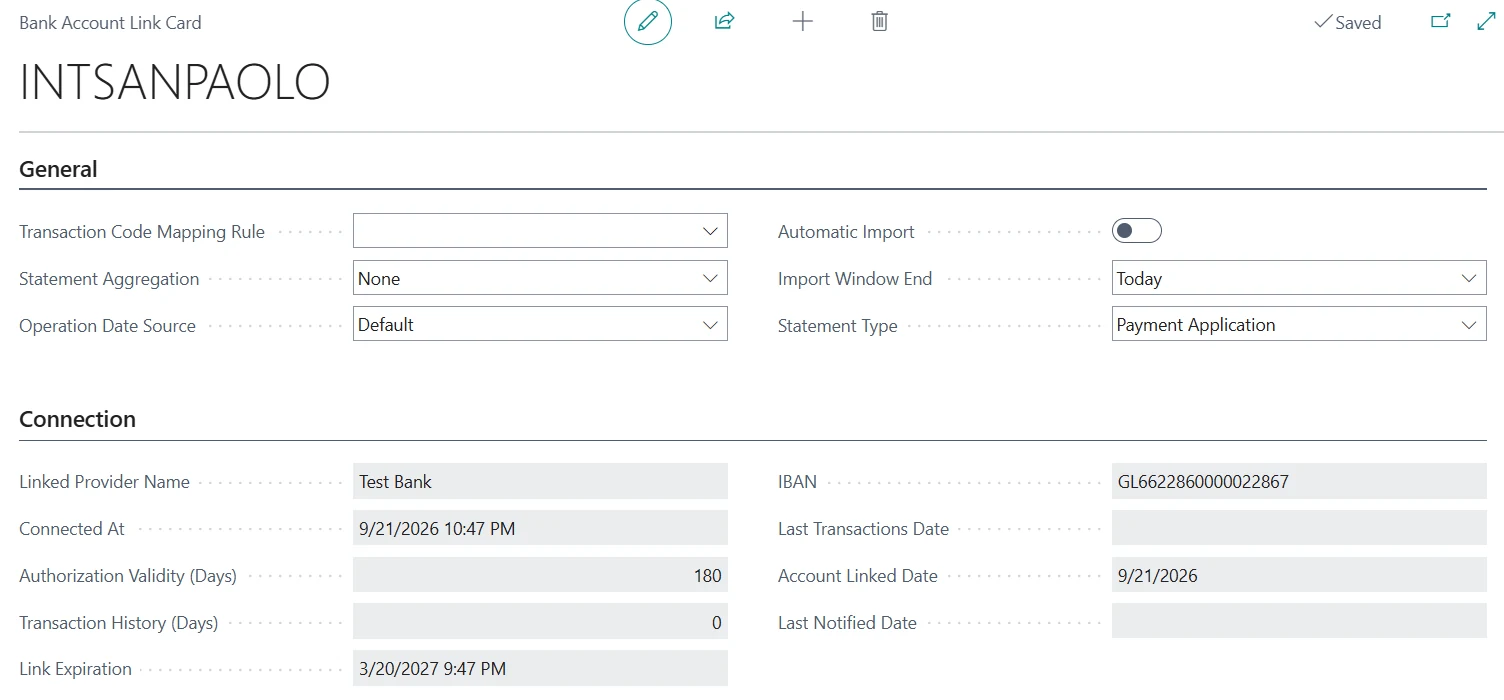
Each linked bank account has its own import settings.
- Automatic import on the job queue schedule you set, or on demand
- Payment reconciliation journal or bank account reconciliation, per bank account
- Manual import of any period within the history the bank provides
Transaction recognition
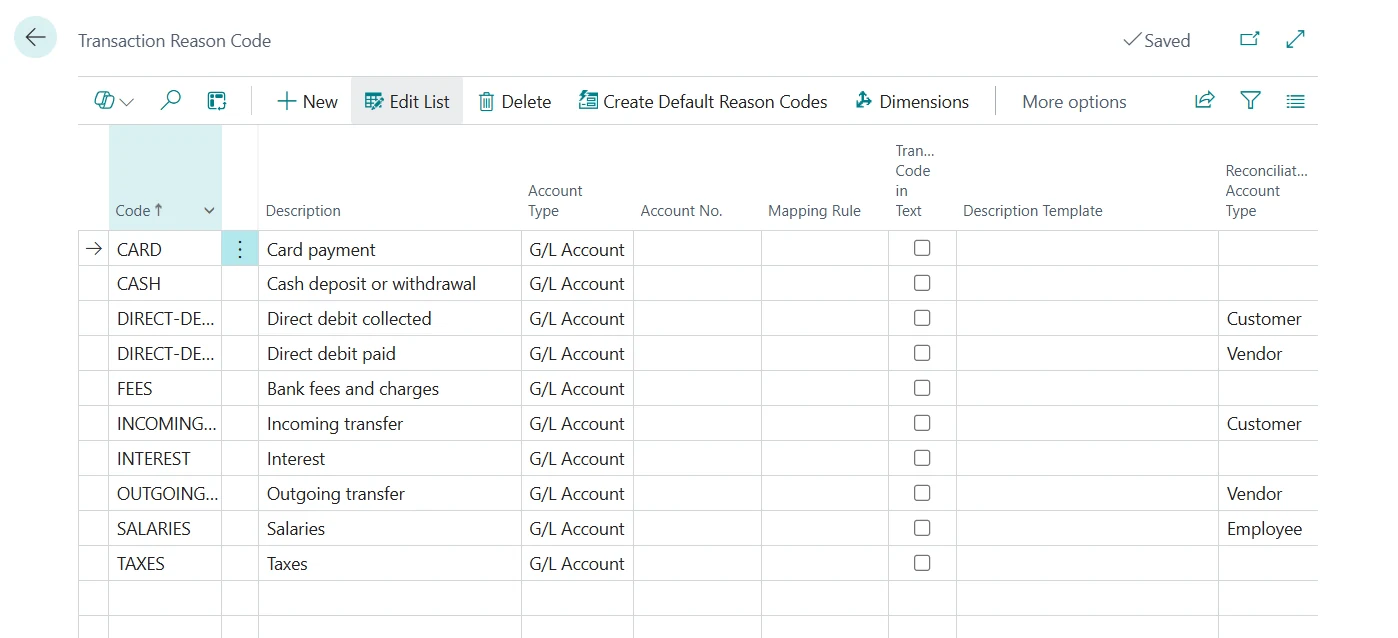
Each bank describes transactions in its own way. Transaction codes read the codes and texts sent by the bank and assign a reason code to every line.
- Fixed G/L accounts for fees, interest and taxes, applied with high confidence
- Matching limited to customer, vendor, employee or bank entries, depending on the type of transaction
- Vendors recognised by the SEPA creditor identifier sent by the bank
- Default reason codes for generic use, ISO 20022, CBI and ZKA
Control and audit
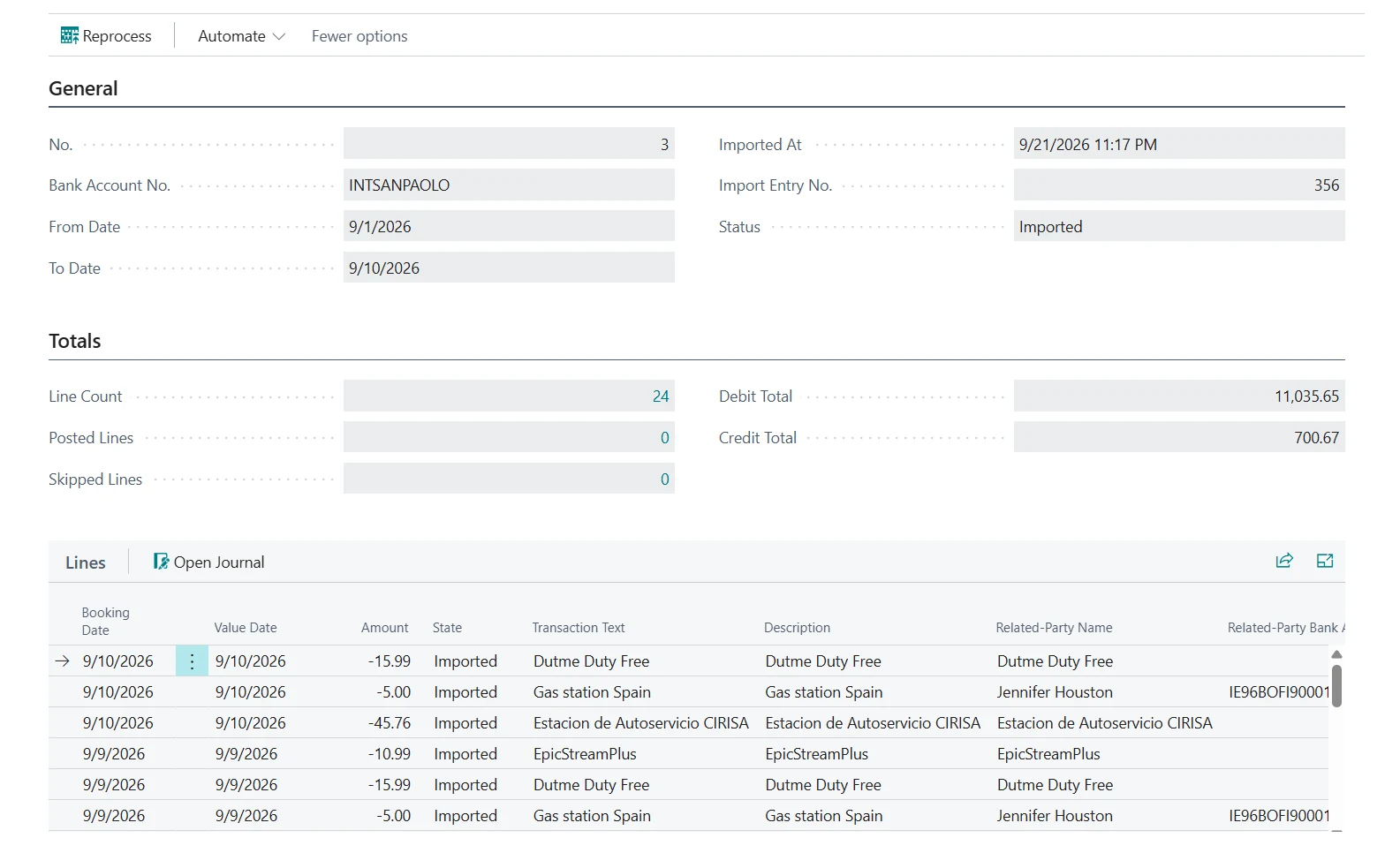
Every import and every operation with the banks is recorded in Business Central.
- Every import saved as a statement with the data received from the bank, and reprocessed without downloading again
- Duplicate transactions discarded using the ID assigned by the bank
- Email notification before a connection expires
- Bank balance compared with the ledger balance
Administration
Licence and setup.
- One licence per tenant, for all its companies
- Assisted setup in three steps: licence, default configuration and bank accounts
Try Banking Central with your banks
All the features are included in the 30-day free trial.