Import bank transactions into Business Central
Bank feeds from over 2,000 banks in 31 European countries: transactions arrive in the payment reconciliation journals with Open Banking. No bank statement files to download.
30-day free trial. No payment method required.
- 2,000+ banks
- 31 countries
- Read-only access under PSD2
- Standard reconciliation journals
How it works
Three steps, all from the Business Central client.
Link the bank account
Choose the bank from the bank account card and authorise the access on the bank's page. Business Central continues as soon as the bank confirms.
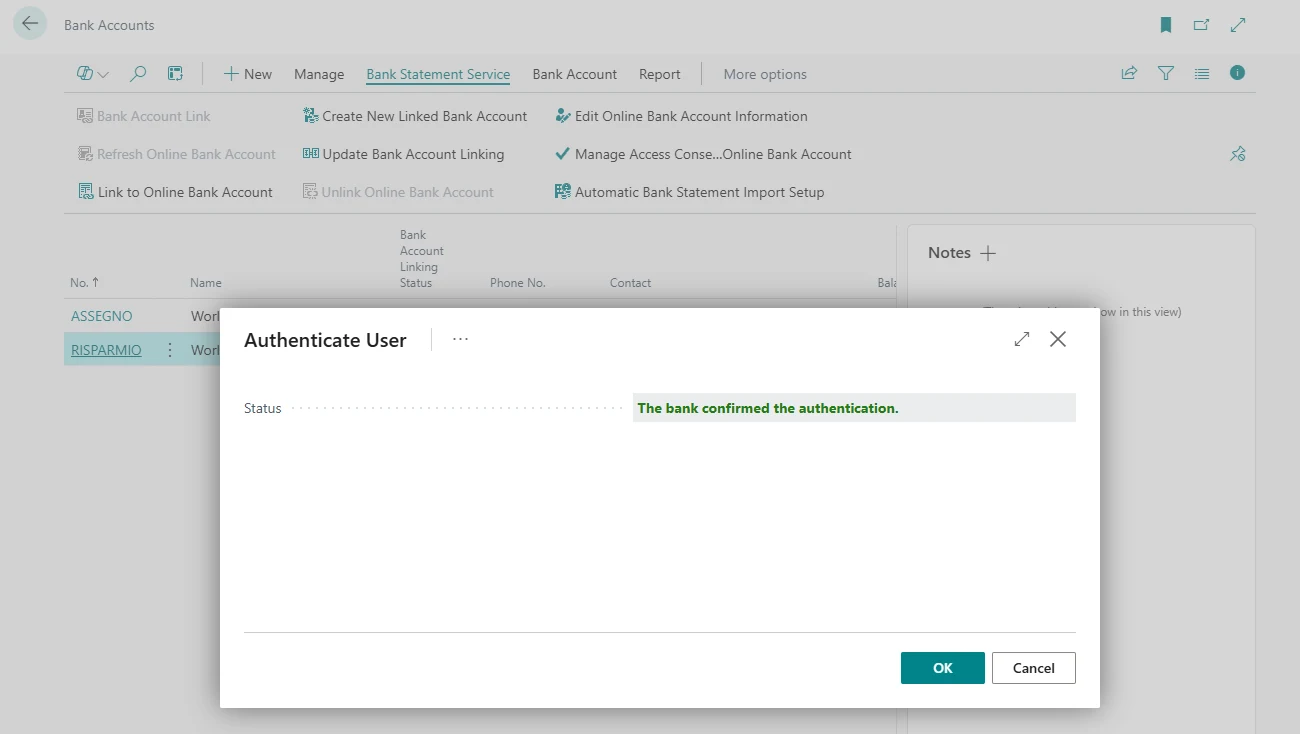
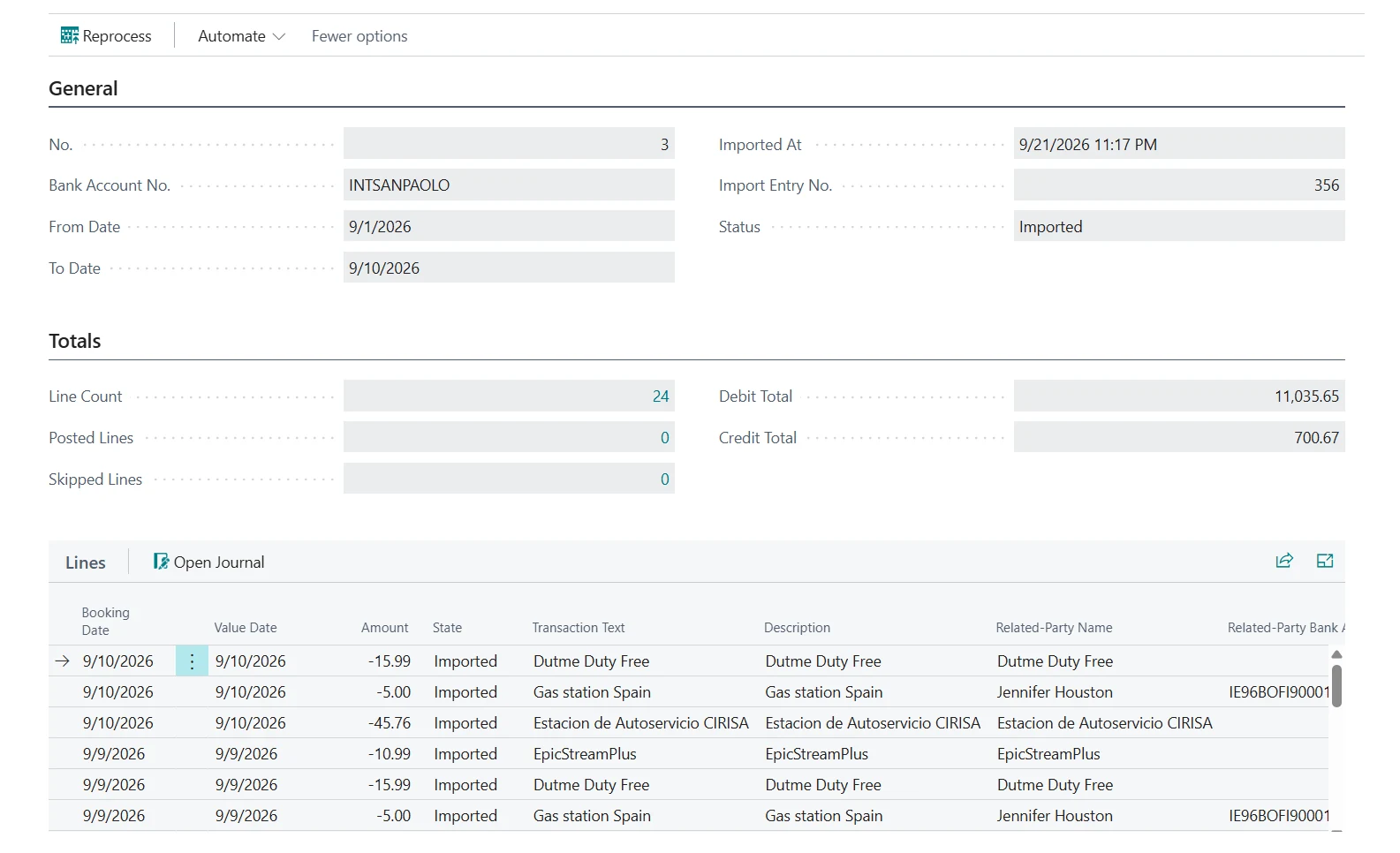
Import the transactions
The automatic import runs on the job queue schedule you set and brings the new transactions into the payment reconciliation journal or the bank account reconciliation. Every import is saved as a statement with the data received from the bank.
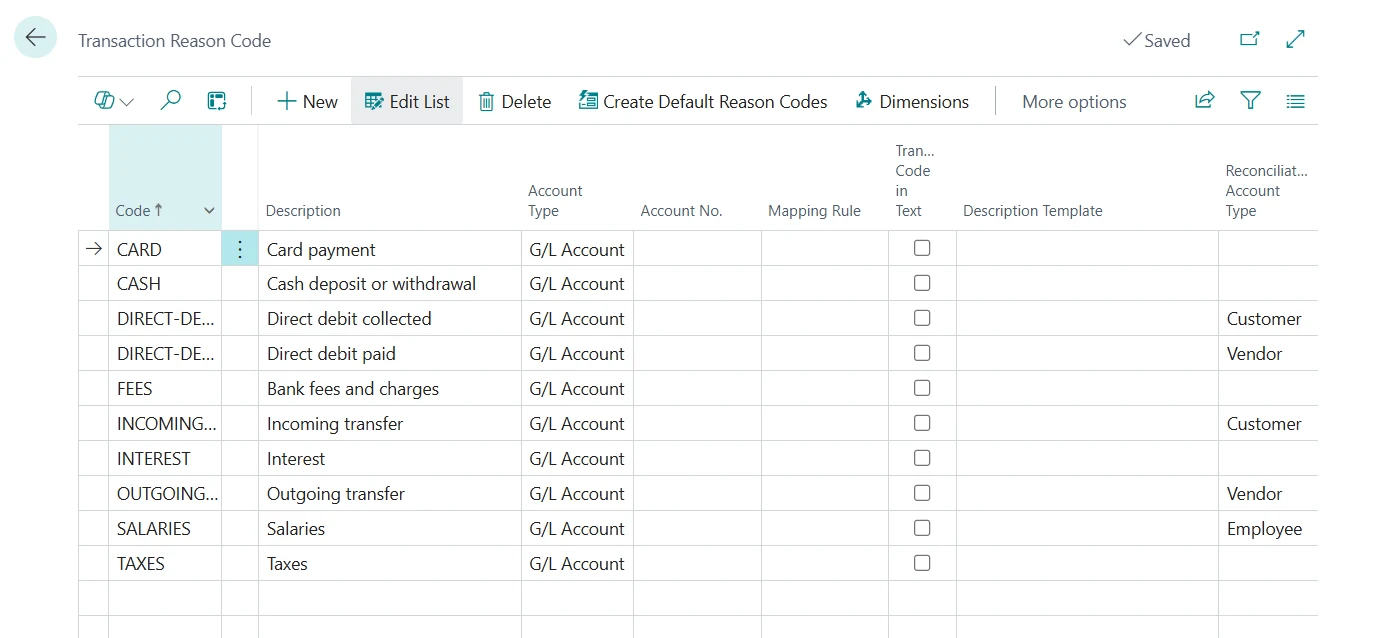
Reconcile and post
Transaction reason codes propose the account for each line. The standard automatic application matches the rest, and you post from the journal as usual.
Over 2,000 banks in 31 countries
Banks in Europe and the United Kingdom.
 Germany1,081 banks
 Italy403 banks
 Norway139 banks
 France137 banks
 United Kingdom116 banks
 Spain98 banks
 Denmark91 banks
 Austria87 banks
 Sweden69 banks
 Luxembourg49 banks
 Belgium47 banks
- 20 more countriesSee the full list
Coverage can change over time. The list in the app is the authoritative source.
Transaction recognition
Each bank describes transactions in its own way. Transaction codes read the codes and texts sent by the bank and assign a reason code to every line.
- Fixed G/L accounts for fees, interest and taxes, applied with high confidence
- Matching limited to customer, vendor, employee or bank entries, depending on the type of transaction
- Vendors recognised by the SEPA creditor identifier sent by the bank
- Default reason codes for generic use, ISO 20022, CBI and ZKA
Bank connections under control
Every linked bank account shows its connection status, its expiry and the balance reported by the bank.

- Email notification before a connection expires, with the link to renew it
- Bank balance compared with the ledger balance
- Duplicate transactions discarded using the ID assigned by the bank
- Statements reprocessed without downloading again
- Activity log of the operations with the banks
Pricing
One licence per tenant, for all its companies. VAT excluded.
Frequently asked questions
More answers in the documentation.
Does it work with my bank?
Check the list of supported banks for your country. Coverage can change over time; the list in the app is the authoritative source.
Can I make payments?
No. The access is read-only: Banking Central reads transactions and balances.
Do I need a developer?
No. The assisted setup creates the default configuration, and bank accounts are linked from the bank account card.
How often are transactions imported?
As often as you schedule the automatic import in the job queue. Banks limit the number of downloads per account per day, typically to four.
Do I need a licence for each company?
No. One licence covers all the companies of the tenant.
Is there a trial?
Yes. 30 days with all the features and up to 3 bank accounts, started from the assisted setup after installing the app from AppSource. No payment method is required.
Try Banking Central with your banks
Banking Central is developed and supported by Memento, a Microsoft partner based in Milan.